Sunday, January 26, 2014

Game - Doomsday (2011)

I don't know why I didn't add the game to my blog earlier.

Doomsday was a group project that I was put in charge of for a class the fall of 2011. I was in change of scripting, in Game Maker. While art wasn't my job, I still did some. Most of the art I did was effects (like scrolling heat, mist, dust, rain and snow), some background art. On top of art and scripting, I was the gameplay designer and story writer.

Our prototype was finished early - this was because the gameplay itself was simple. This allowed us to pool all of out effort and into making the game more than just a simple shooter. We could add a campaign with a story, freeplay level, cheats, unlockables, upgrades, multiple enemy types and even a few options and mini-games.

The story of the game was a playful mix of key events in earths history, like the extinction of the dinosaurs, the ice age and even Roswell, blended along with some light religion, science and alien motifs; it's as historical as it is silly. As the campaign progresses, the background remains the same, but the effect color palettes change. Realistically, the stars would not change position all that much, but for differentiation, colors and effects alternate and change.

This was a lot to focus on at one time, bouncing back and forth between technical and art, but we're given the title of best game in class, so our collaborative efforts paid off. Given the opportunity, I'd actually restart the project and start refining the project. If not a complete recreation, a sequel. This project taught me a lot, from group manage to pipeline work flow and it's one of the best and most fun I've ever worked on, even with the games oversimplified gameplay.

Doomsday was finished late fall of 2011. It is currently released here/here (scroll down) to the public, finished and completely playable, though a little buggy.

Below is a selection of screens of things I've worked on. Mostly backgrounds, unless stated otherwise.
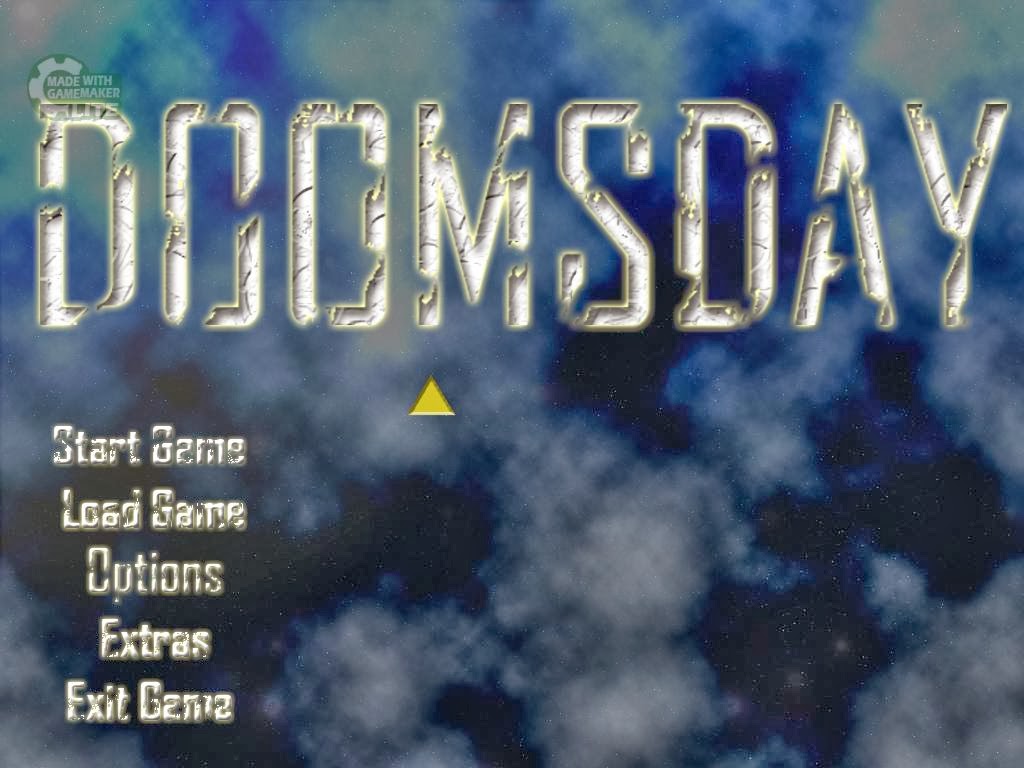
Main Menu
Collaborative effort between Lorren Merritt and myself.
Text art and sprites done by Darius Ray.

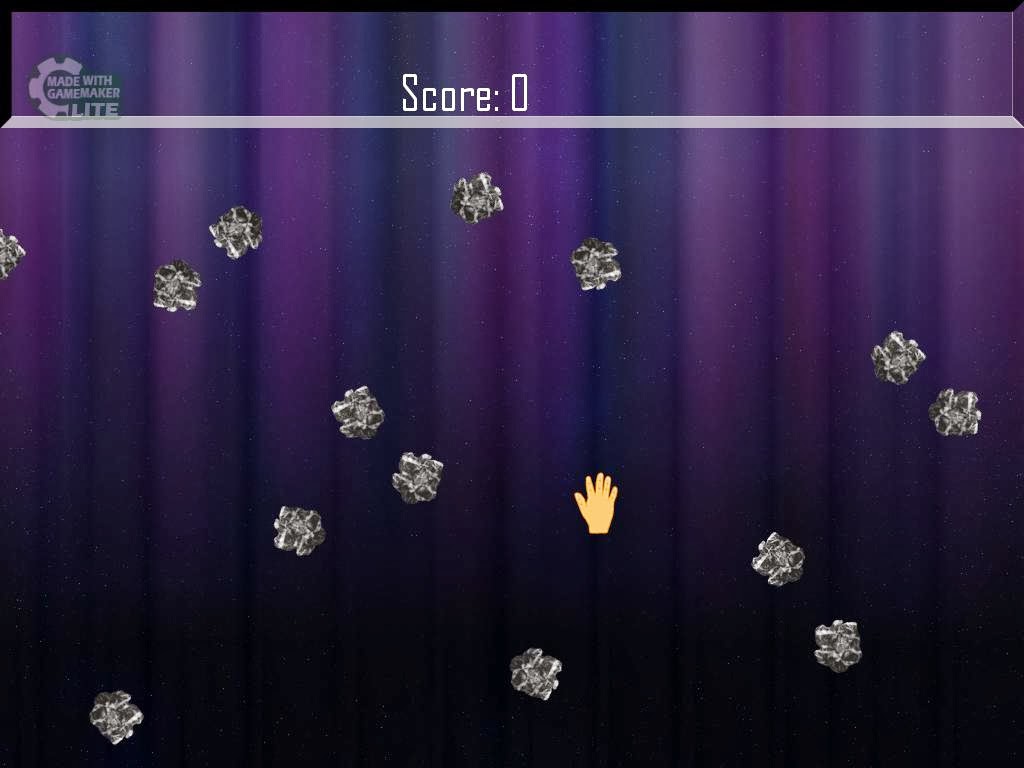
Freeplay - Aurora
Sprites done by Darius Ray.
I was just playing with the scrolling effect and I thought
the effect was nice. Light usage of blues, purples and oranges,
as well as falling dust - creates a magical effect.

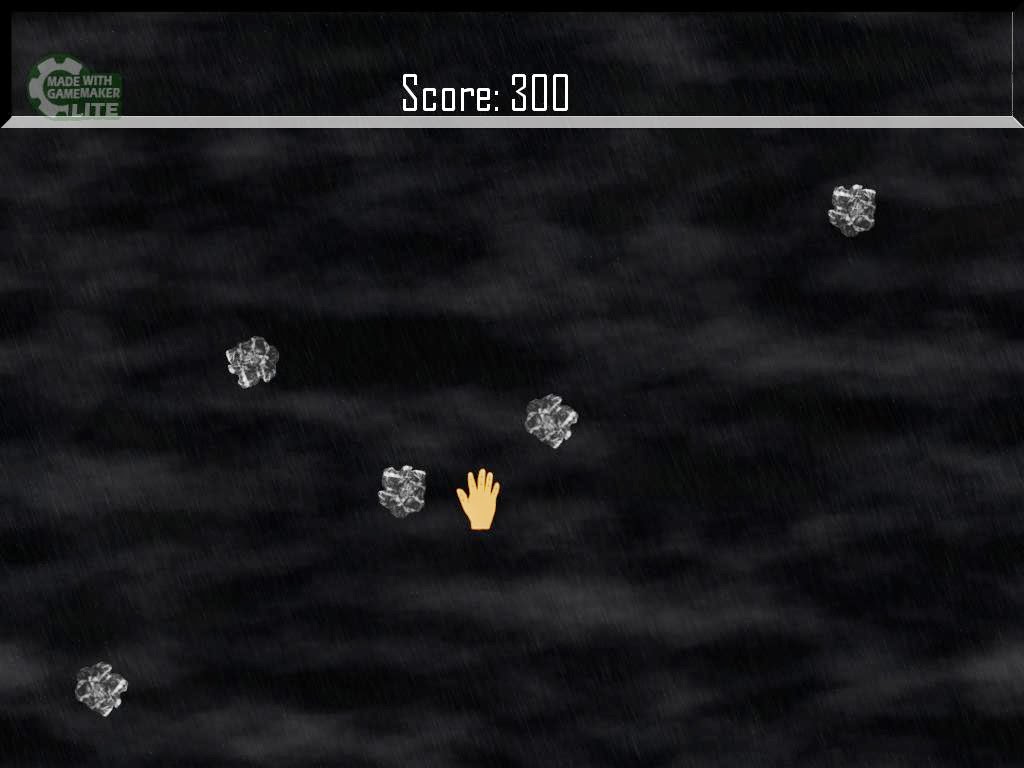
Freeplay - Home
Home is a level that plays with sound, timing and atmosphere.
Home is one of the few levels inspired by Earth, and there's
rain and heavy fog. The music track is straight rain and
thunder, so I was forced to sync the lighting effect to the music.

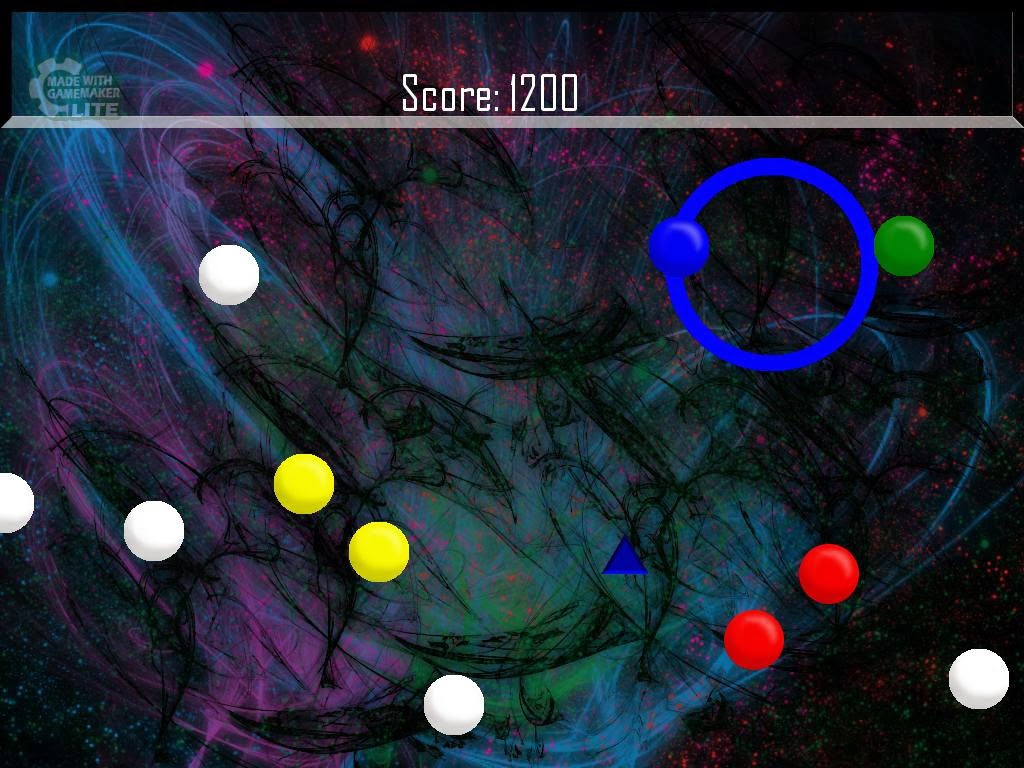
Freeplay - Abstract
Background art done by Lorren Merritt.
Abstract is an altered version of the game in freeplay mode.
The goal is to change the colors of the white spheres to score
point. Change it too much, and you don't get any points.

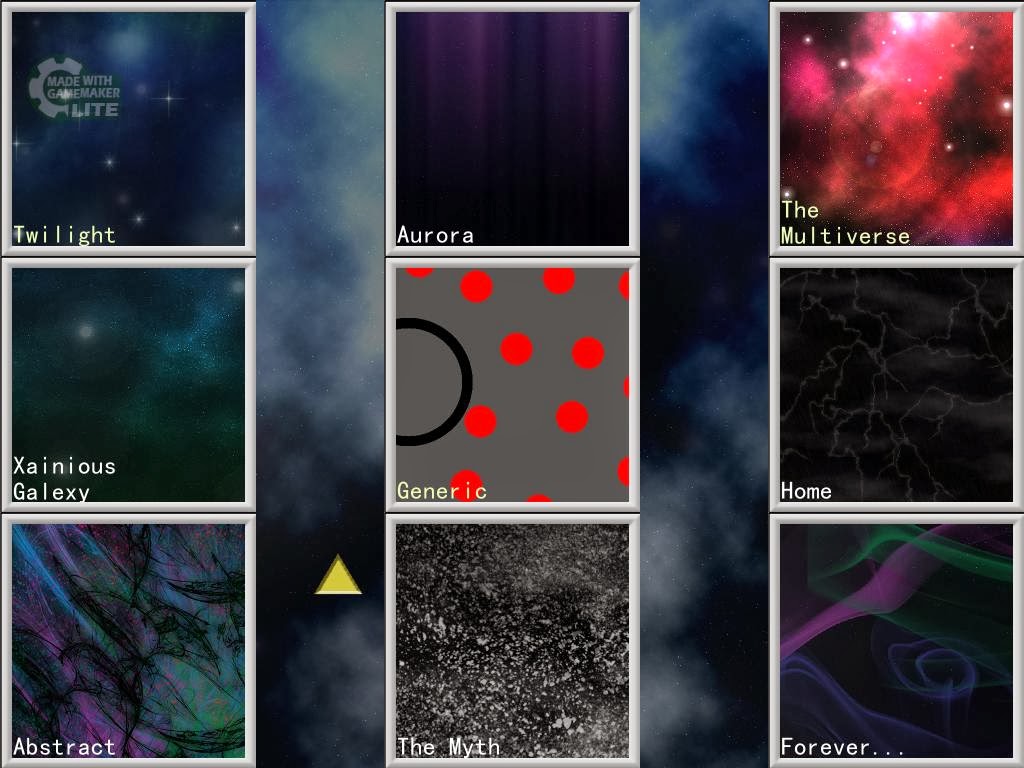
Freeplay - Level Select Hub
I had trouble figuring out what to do with the Level Select hub.
I wanted to display what the levels looked like before playing,
contrary to the campaign, where there's meant to be more intrigue
and mystery.

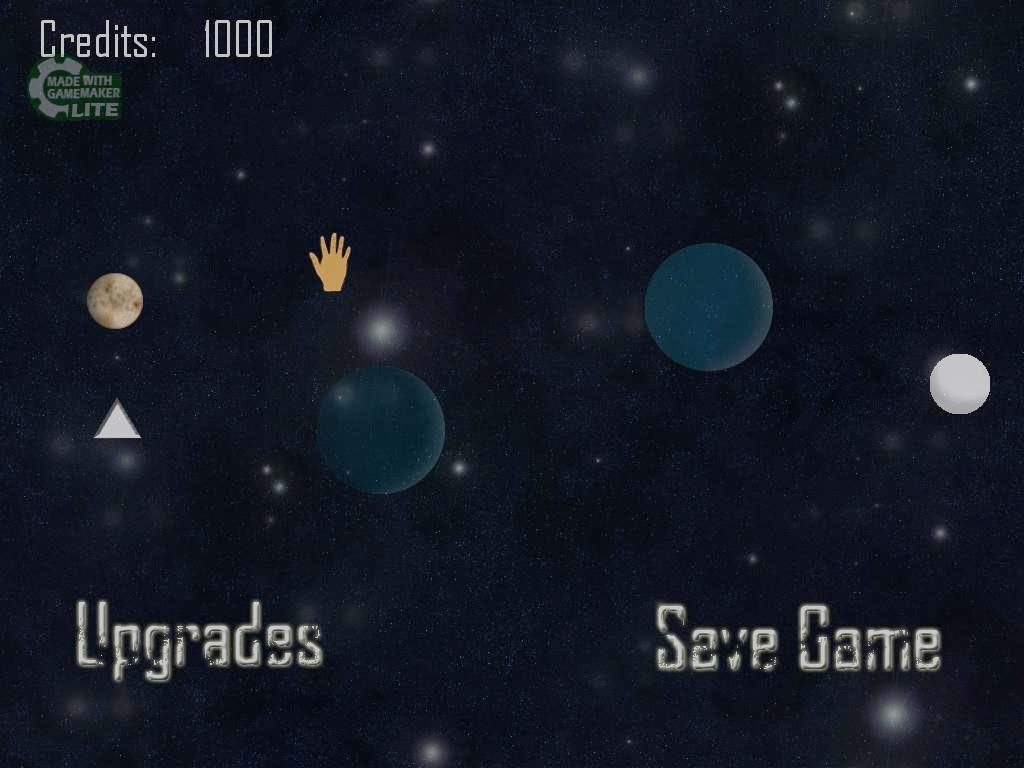
Campaign - Level Select Hub
Sprite work by Darius Ray and myself.
Each of the colors spheres represents a different level that
hasn't been unlocked. As you unlock more, the planets
are filled in. I did all the planets and spheres.
Additional Credits:
-Matthew Hurley - Background Art (not shown), Sprites
-Joshua Wozniak - Theme music
-Additional sounds from various internet sources
Tools used (Myself):
Game Maker
Gimp
Photoshop
Google

Game - Time: The Mystic Trials - Tile Sheets (2013)

It's been a long time since my last post. A very long time. I'm not much a blogger...

Usually, I prefer to play a much more active role in my projects, but for this particular group project, I decided to (and at times, had no choice) to take a smaller, but important role within the group. My task was to create background art. I didn't have the means, time or overall skill to create 4 backgrounds in pixel art within the span of 3 months, as well as maintaining classes. However, what I did was create tile sheets and I turned those into backgrounds.

The only set that wasn't created by entirely was the last, which required some editing.

Time was completed the Spring of 2013.


Tools used:
MS Paint
Gimp

Tuesday, October 16, 2012

Some Video Game Concept Art

I should blog more. I really should.

I work on a lot of stuff, because of school, but I tend not to upload anything. I just never get around to it - not out of laziness, but blogging isn't one of my "to-do list" priorities. Recently, I drew a series of life drawings for my life drawing class (that will never see the light of day XD), and a few others for my illustration for games class, which I should upload, as they are directly related to the image below. Here's a GIMP render of a scene from a game I'm working on.

The image itself was rushed, I admit, therefore imperfect, like the lighting/shading is off, but I like the general feel of the picture, so I left it as is. I've never done an image like this before, and even if it's the ugliest image in the world, I'm proud of myself for having done it. Of course, they get better, but I like this for what it is.

Tools used:
Gimp
Google (I took a bunch of images off the internet. Thanks to all of you!)

Tuesday, May 8, 2012

Maya Renders

These are a few things (assignments) I've done during my spring semester of my Sophomore year in college (current as of now). I have a preference for modern aesthetics, such as clean lines, gentle curves, and bold colors. Some people say I should branch out and try something new, which is true, but I don't mind having a style.

Fish Tank Thingy

Fish Tank Thingy - Close-Up 

Unorthadoxoscope
 

Head in a Box

Monday, June 27, 2011

Pop Fusion


This is what I did for fun in my free time. I wanted to, finally, upload something that wasn't school related, or a major project - just fun. I didn't want to edit too much (things like cropping) because I worked hard on the ENTIRE Image.

Tools Used:
-MS Paint
-Gimp.

Monday, March 14, 2011

Rotating Save Crystal

I volunteer for different projects (not often, since the groups are kind of crazy in terms of development), but the group I chose to work for wanted a save crystal in the game. I wanted it to bob up and down while turning, but I never got around to it. It's not all that hard - some basic calculations involving dividing the number of frames by the total degree of rotation and further adding it to the objects - but I left it sitting for a while. The team isn't in a rush, and they like it so far, but I just chose to leave it alone for now. The only problem I have it that it doesn't glow that way I want it to. It shines though, which I enjoy. Texturing this was slightly annoying, since I do NOT UV map (the measures I go to texturing higher poly objects is just ridiculous and tedious), but the benefits are well worth it.

Crystal Done Sept. 18. 2010
Materials used:
TRLE
NGLE extension.
Metasequoia
MS-Paint
Gimp
WadMerger (animation)
StrPix (texturing)
Fraps


Game Resources Used:
Tomb Raider 4 -  Sounds

Wednesday, March 9, 2011

Some 3d Models

These are a few models I did a while back. Since I've been using an older engine, I've been forced to use lower poly models (letting the textures do most of the work) but I think I do did well, given the limitations.

A pistol, Done in 2009


A Fountain, Done in 2008


And a more recent model - a tipped ottoman and pillows, Done in 2011.
I still have to abide by the rules of low poly models. Sad, but true.


Tool Used:
Metasequoia